O
A calmer space for your next great idea.
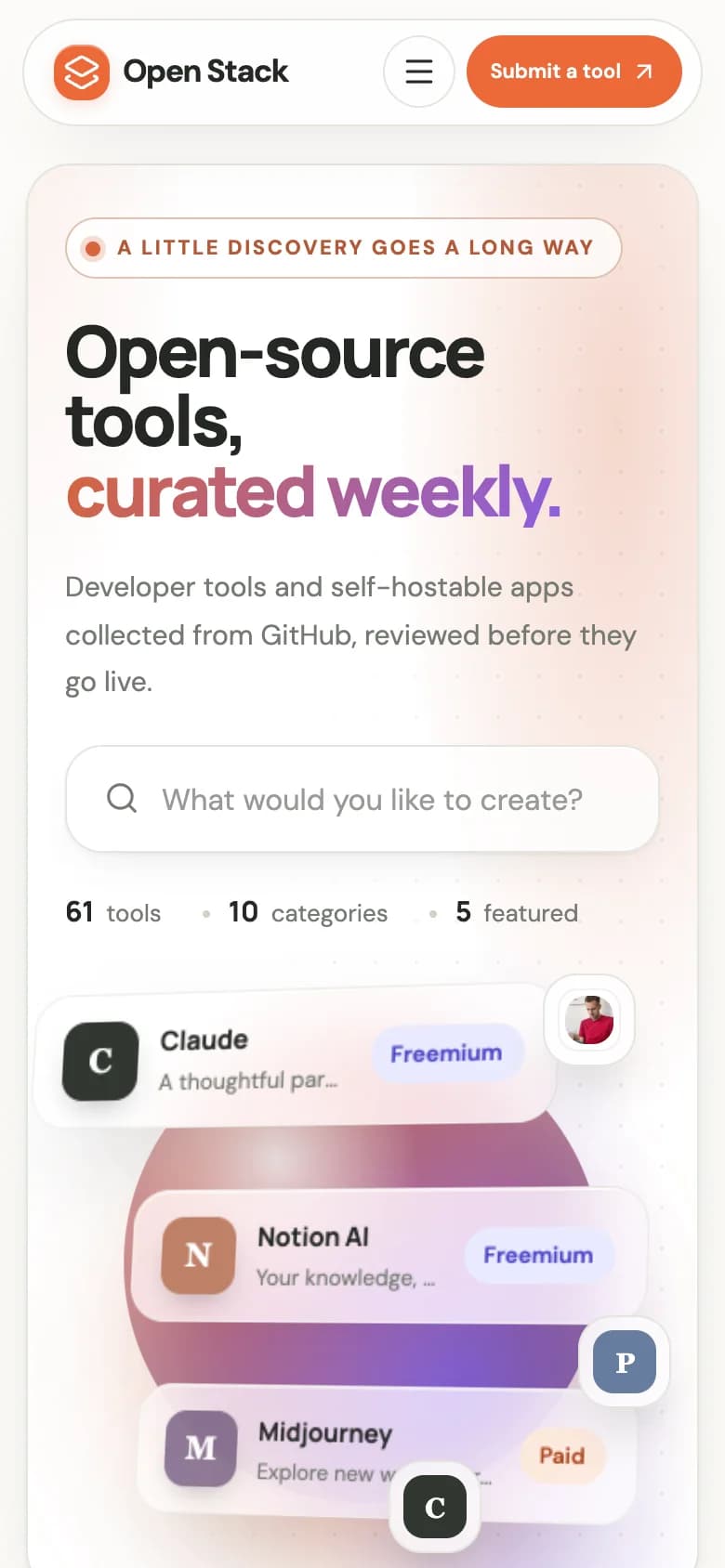
DirectoryForge collects listings with a visual scraper builder, holds every record in a review desk until you approve it, and publishes them to a branded, searchable directory with paid submissions built in. Self-hosted Next.js and MongoDB.

Built on a stack you already know, with optional providers you connect yourself
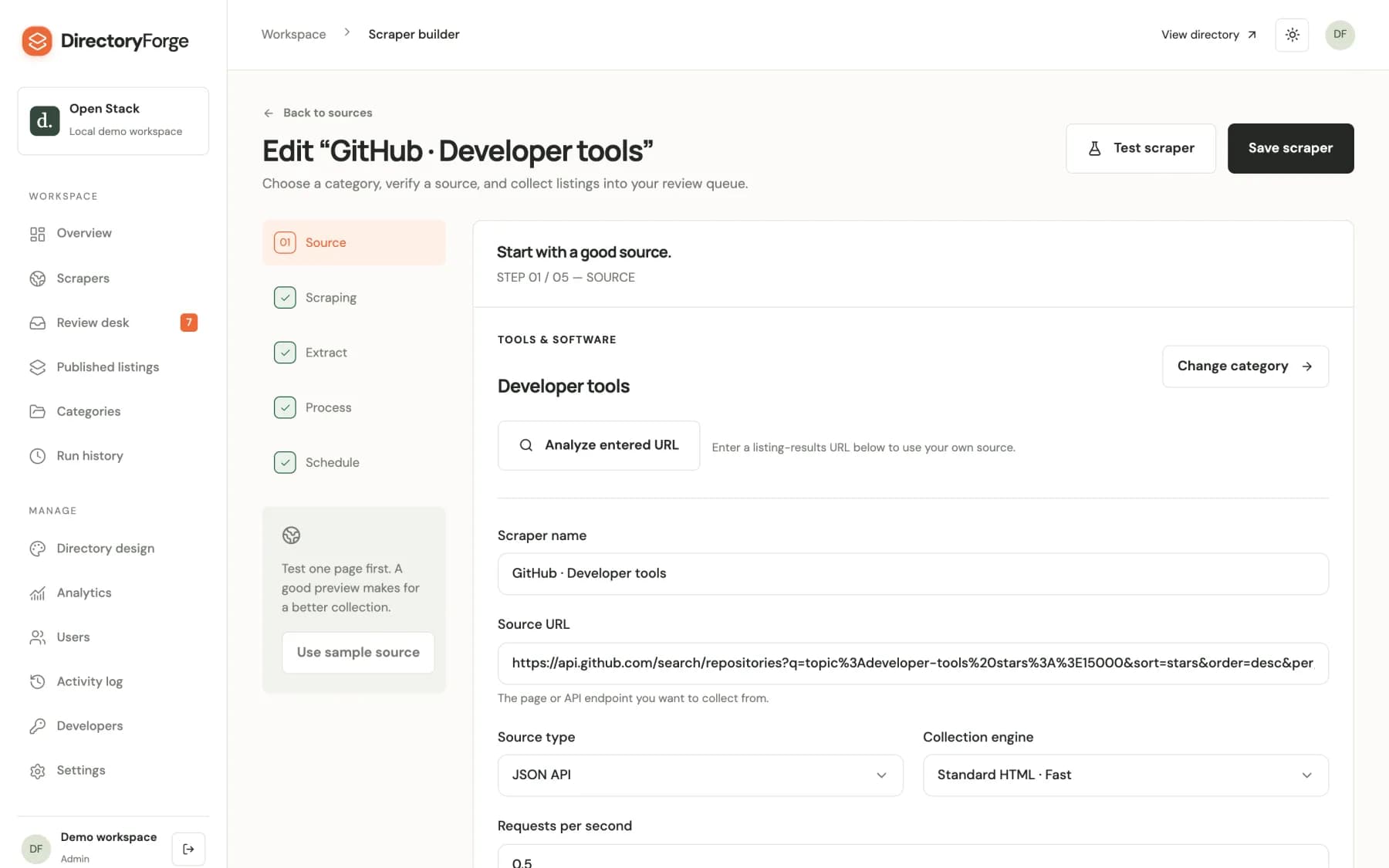
The scraper builder walks you through source, scraping, extraction, processing and schedule. Every record it collects stops at the review desk before it reaches your directory.
Source discovery searches with Brave Search or your connected AI provider, fetches every candidate page and flags the ones it can't reach. You can also paste a listing page or a JSON API yourself.
DirectoryForge covers collection, curation, presentation and monetization, so you are not stitching four tools together to run one directory.
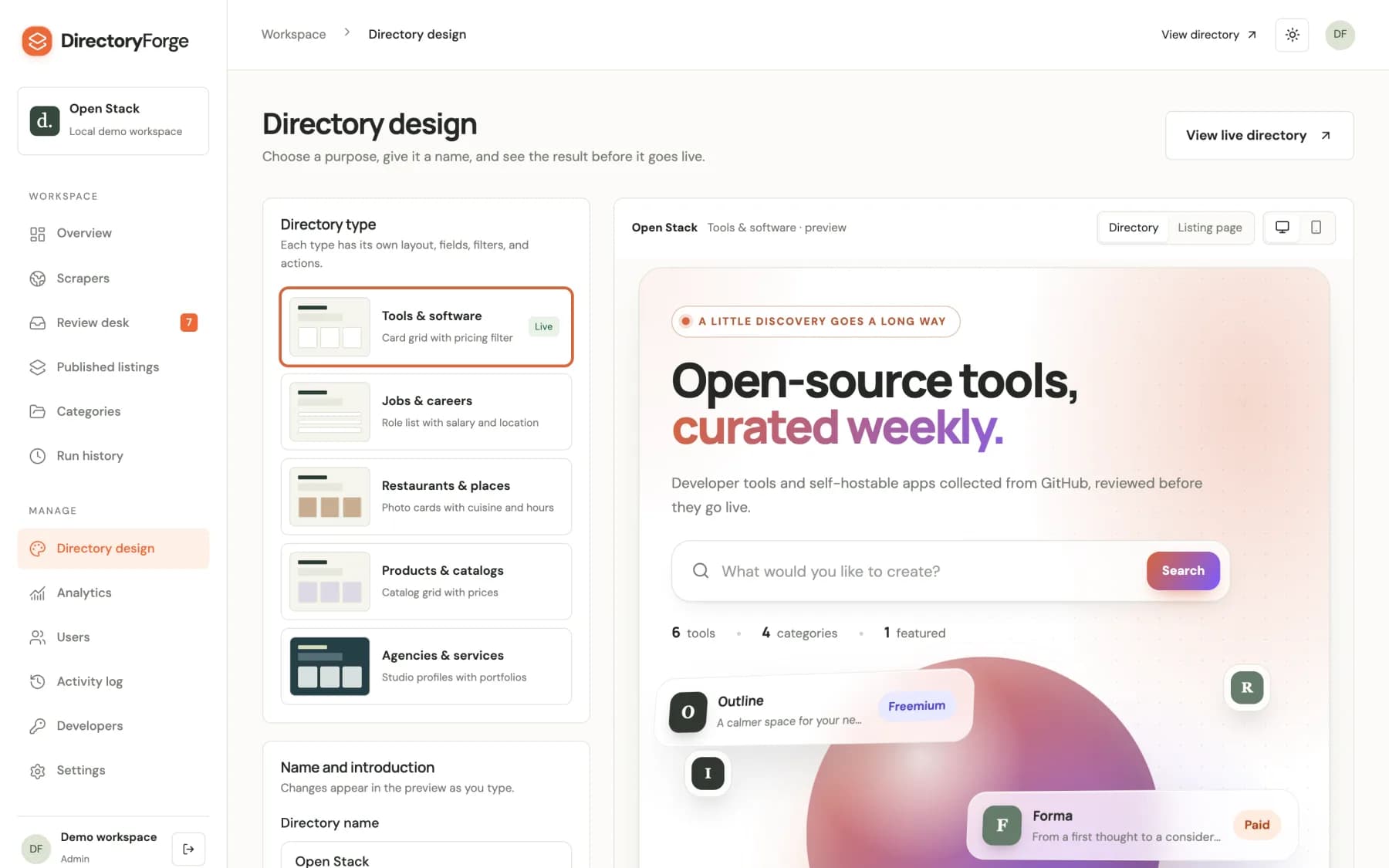
Choose tools and software, jobs, restaurants and places, products, or agencies and services. The type sets the cards, fields, filters, detail page and submission labels together. Preview the directory and a listing page before you apply it.
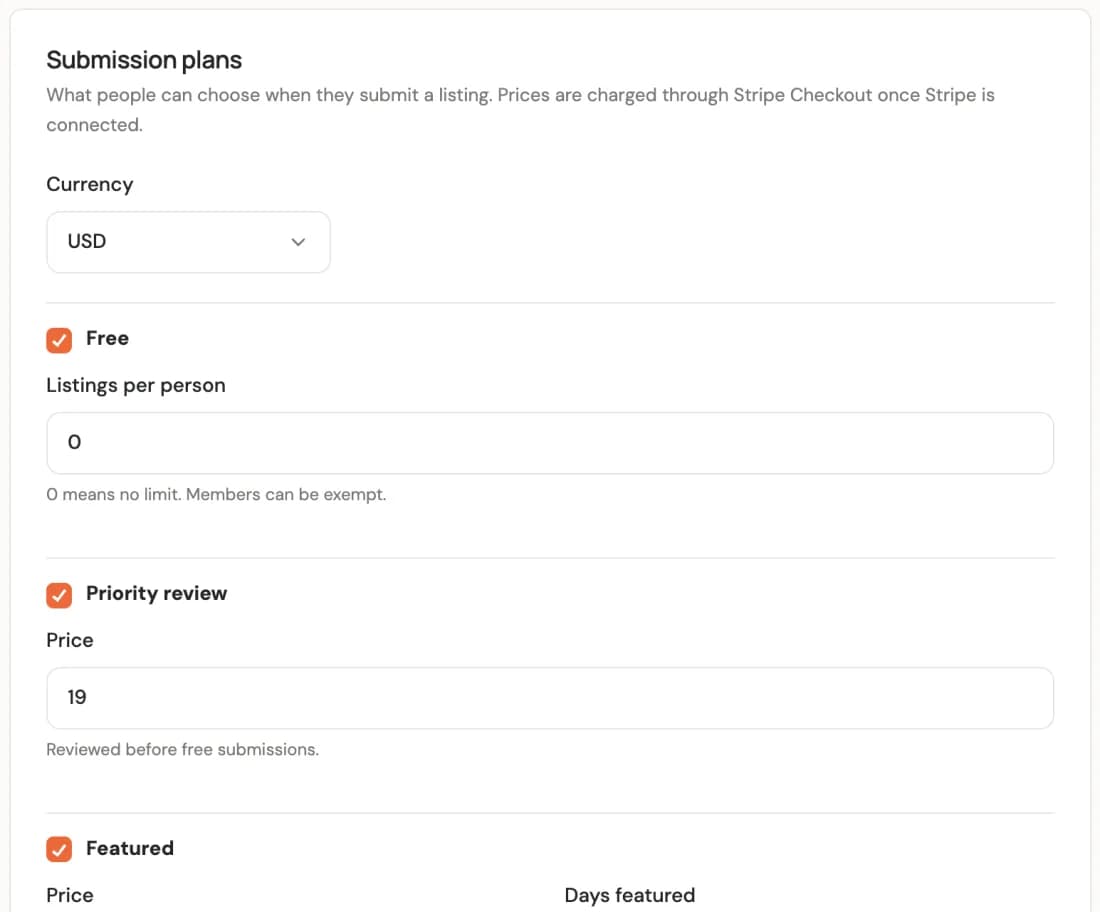
Offer free, Priority review and Featured submissions, plus a monthly membership. Set the prices and currency in Settings › Monetization and Stripe Checkout charges them directly. There are no Stripe Price IDs to create.
Visitors can request ownership of a listing. You approve the claim in the review desk, and the owner can then edit their listing and see how many views and clicks it gets.
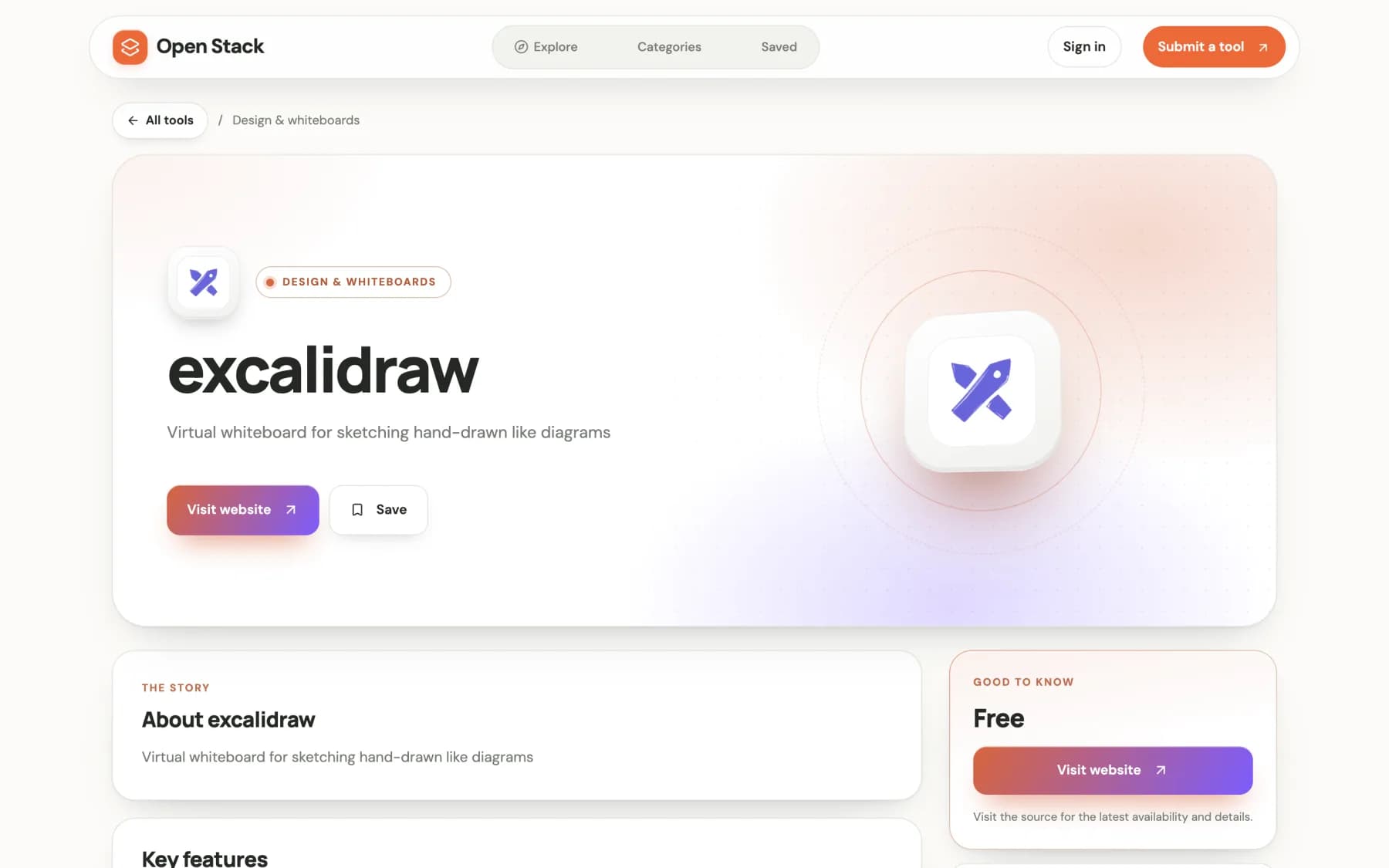
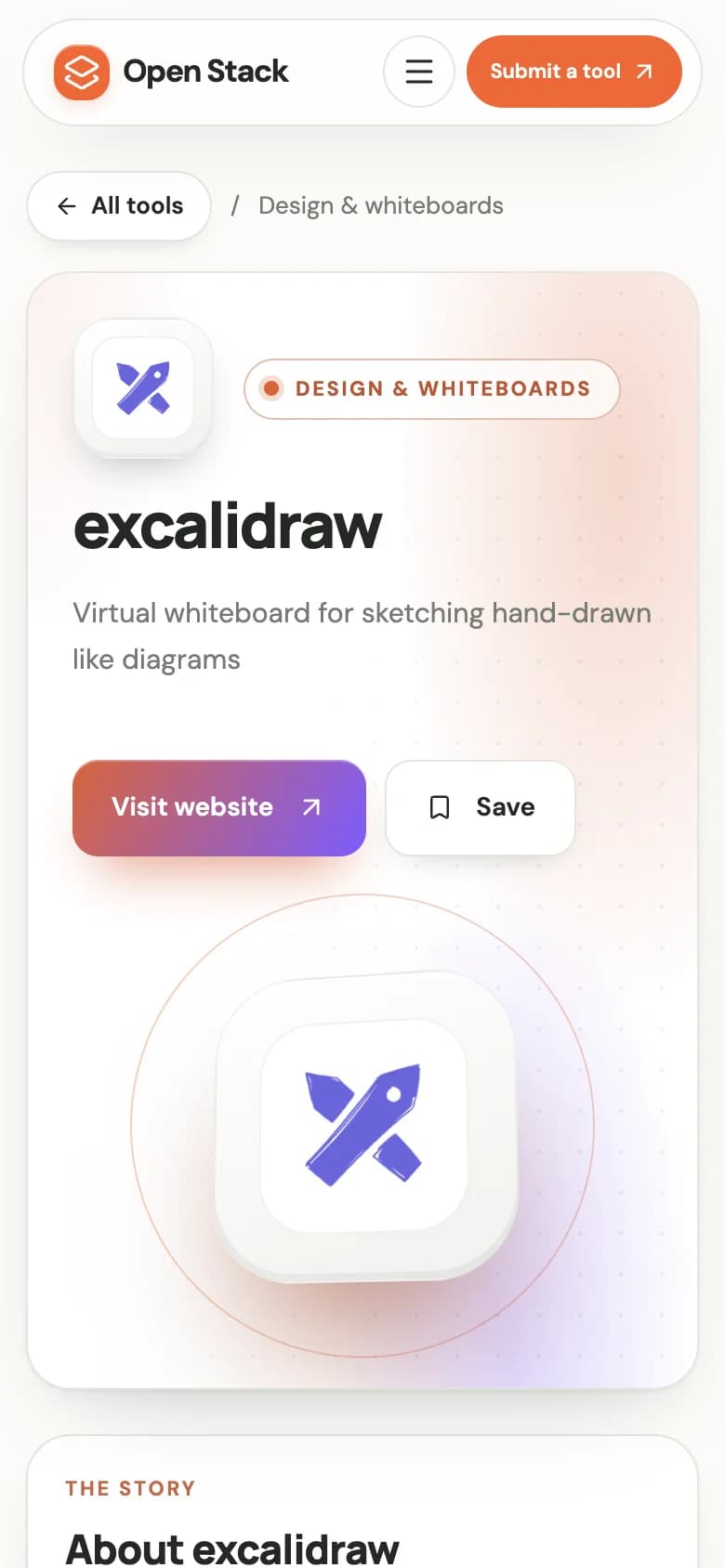
These are the real directory components with illustrative records. Switch types, then open a listing to see its detail page.
Interactive layout previews with illustrative content. Open a listing to explore its detail page.
Discover useful software for the work you love. Thoughtfully collected, clearly organized, and ready for your next idea.
A calmer space for your next great idea.
From a first thought to a considered design.
All the little details, brought together.
Keep good work moving, together.
Turn a world of information into clear answers.
Make more room for your imagination.
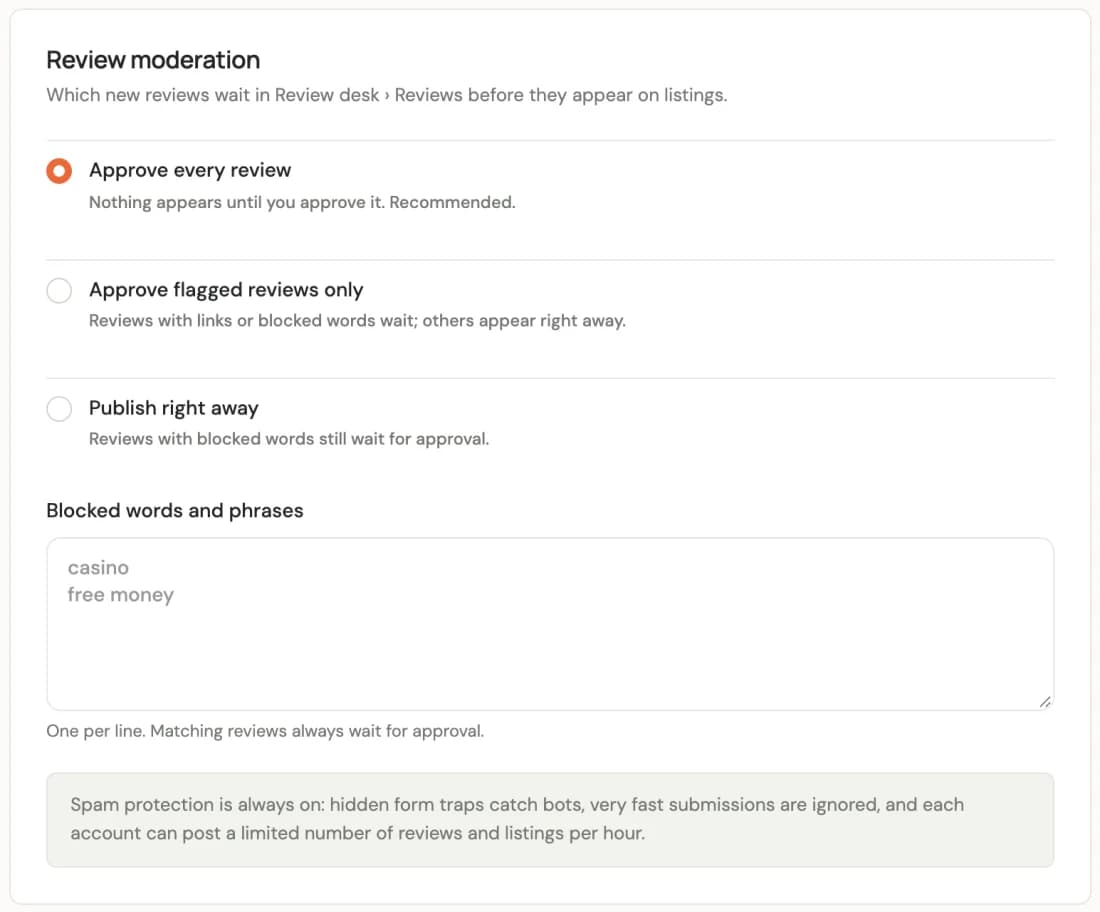
Approve every review, only flagged ones, or none, with a blocked-words list. Hidden form traps, timing checks and hourly limits are always on.
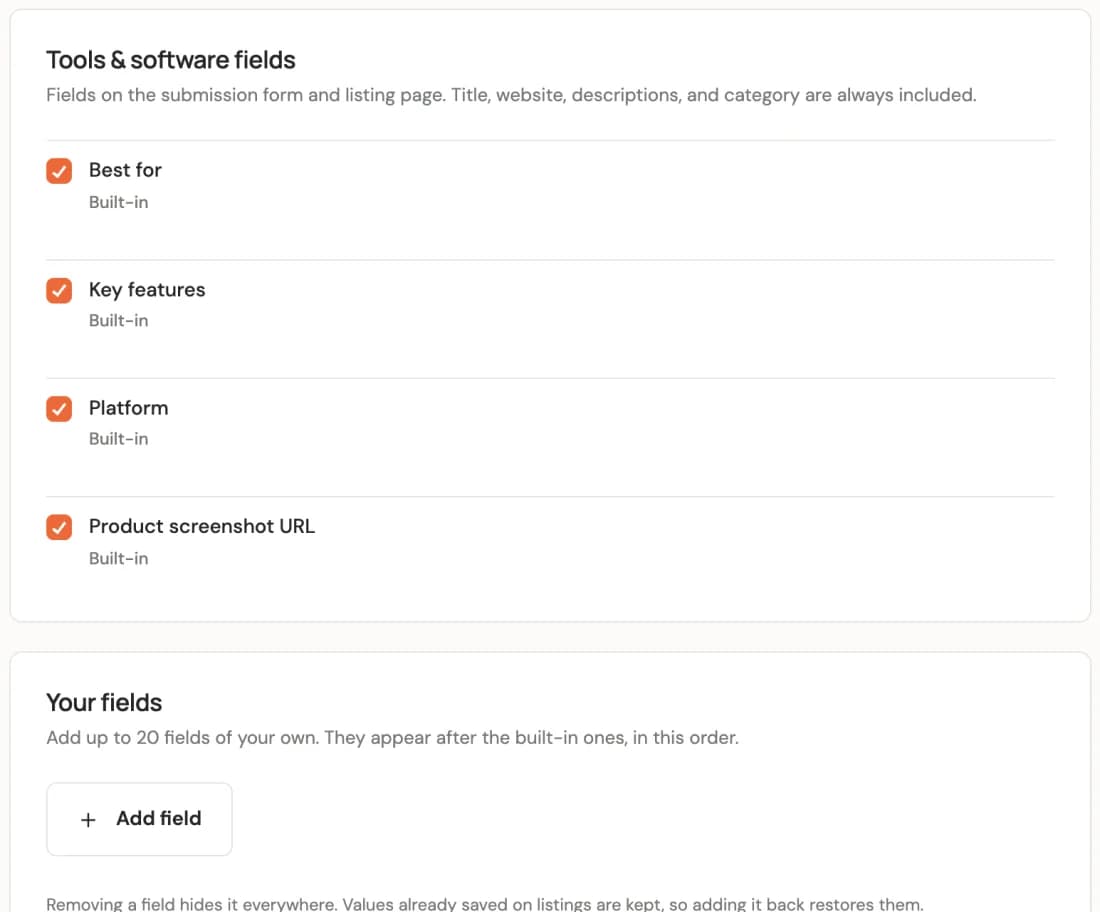
Each type has built-in fields, and you can add up to 20 of your own. CSV import matches columns automatically, shows a preview and skips duplicates.
Admins run everything. Editors manage content and scrapers, moderators work the review desk. Every staff and API change is logged and filterable.
Listing pages carry JSON-LD that matches the directory type, and a sitemap and robots file are generated for you.
Connect an OpenAI-compatible or Gemini model to suggest sources and field mappings, sort records into categories and write short summaries. A missing field is never treated as a verified value.
Switch between Warm and Slate. The theme is applied on the server, so pages don't flash on load.
SMTP sends welcome, password reset, approval and receipt emails. Images upload straight from the browser to Amazon S3 with presigned URLs.
Auth.js with email and password, plus optional Google and GitHub sign-in. Members keep bookmarks and manage their own listings.
Search, category filters, listing pages, bookmarks and the submission form are all built for small screens, in every directory type.
Create read or read-and-write API keys for the REST API, and send signed webhooks when listings, reviews or claims change. The code is yours: TypeScript, Next.js App Router and Mongoose models you can extend.
dfk_, scoped to read or read-and-write.X-DirectoryForge-Signature, with a delivery ID and last-status tracking./api/v1/listings/api/v1/listings/{id}/api/v1/categories/api/v1/listings$ curl https://yourdirectory.com/api/v1/listings \
-H "Authorization: Bearer dfk_…"X-DirectoryForge-Signature: t=1760572800,v1=5f2c…
// v1 = hex HMAC-SHA256 of `${t}.${rawBody}`
const expected = createHmac("sha256", secret)
.update(`${t}.${rawBody}`)
.digest("hex");In development, demo mode stores data in a local file, so you can try the whole product before connecting anything. For production, this is the list.
Software and AI tools, jobs, restaurants and places, product catalogs, and agencies and services. Each includes a directory page, listing details, submission fields and contextual actions. Product catalogs link out to sellers; there is no built-in cart or fulfillment.
No. Access rules, page structure and JavaScript rendering affect extraction. The builder shows check results and sample records before you run a collection, some sites need manual mapping or the browser-rendered engine, and missing fields are left empty for you to review.
Choose a category. Brave Search or your connected AI provider suggests candidate URLs, which are fetched and checked. Select one to inspect samples and get suggested field mappings. Without providers, you can still configure sources by hand.
Yes. Set 1 to 1,000 new listings per run and a cron schedule. Your server's scheduler calls the protected cron endpoint, which processes one bounded batch per call. A run can finish below its target if a source runs out of records.
Connect a Stripe secret key and set prices in the dashboard. Buyers pay through Stripe Checkout. Payments are verified when the buyer returns and reconciled by a cron job, which also handles membership renewals and cancellations. No Stripe webhook is required.
Yes. Preview another type and apply it in Directory design. Existing records stay assigned to their original type, and that type's scraper schedules pause. Switching back makes those records available again.
It ships alongside it as a separate Next.js app with its own packages and assets. It never imports from the main app, so you can host it on its own server and point its links at your directory.
Explore the live directory and the admin workspace, then make it yours.